
Download Bose Connect APK – Android Audio Management Tool, Bluetooth Connectivity, Wireless Speaker Control
Overview
Bose Connect is a desktop and mobile software application designed to enhance the user experience with Bose audio devices, particularly Bluetooth-enabled speakers and headphones. The app serves as a centralized hub for managing and optimizing wireless audio connections, allowing users to seamlessly pair, control, and monitor their Bose products. It addresses common challenges such as inconsistent Bluetooth pairing, audio latency, and device switching, offering a streamlined solution for audio device management.
Targeted primarily at consumers and audiophiles who own Bose audio hardware, the software enables users to maintain consistent connectivity across multiple devices. It is especially useful for individuals who frequently switch between smartphones, tablets, and laptops while using Bose headphones or speakers. The app supports real-time audio control, including playback management, volume adjustment, and firmware updates for compatible devices.
Developed by Bose Corporation, a globally recognized leader in audio technology, the software benefits from the company’s deep expertise in sound engineering and wireless connectivity. Its presence in the Android ecosystem since 2017 reflects a long-standing commitment to user-centric audio experiences. The app is available exclusively for Android, with no official desktop version released to date.
Key Features & Capabilities
- Bluetooth Device Pairing – Simplifies the connection process between Bose audio devices and Android smartphones or tablets, reducing manual setup steps.
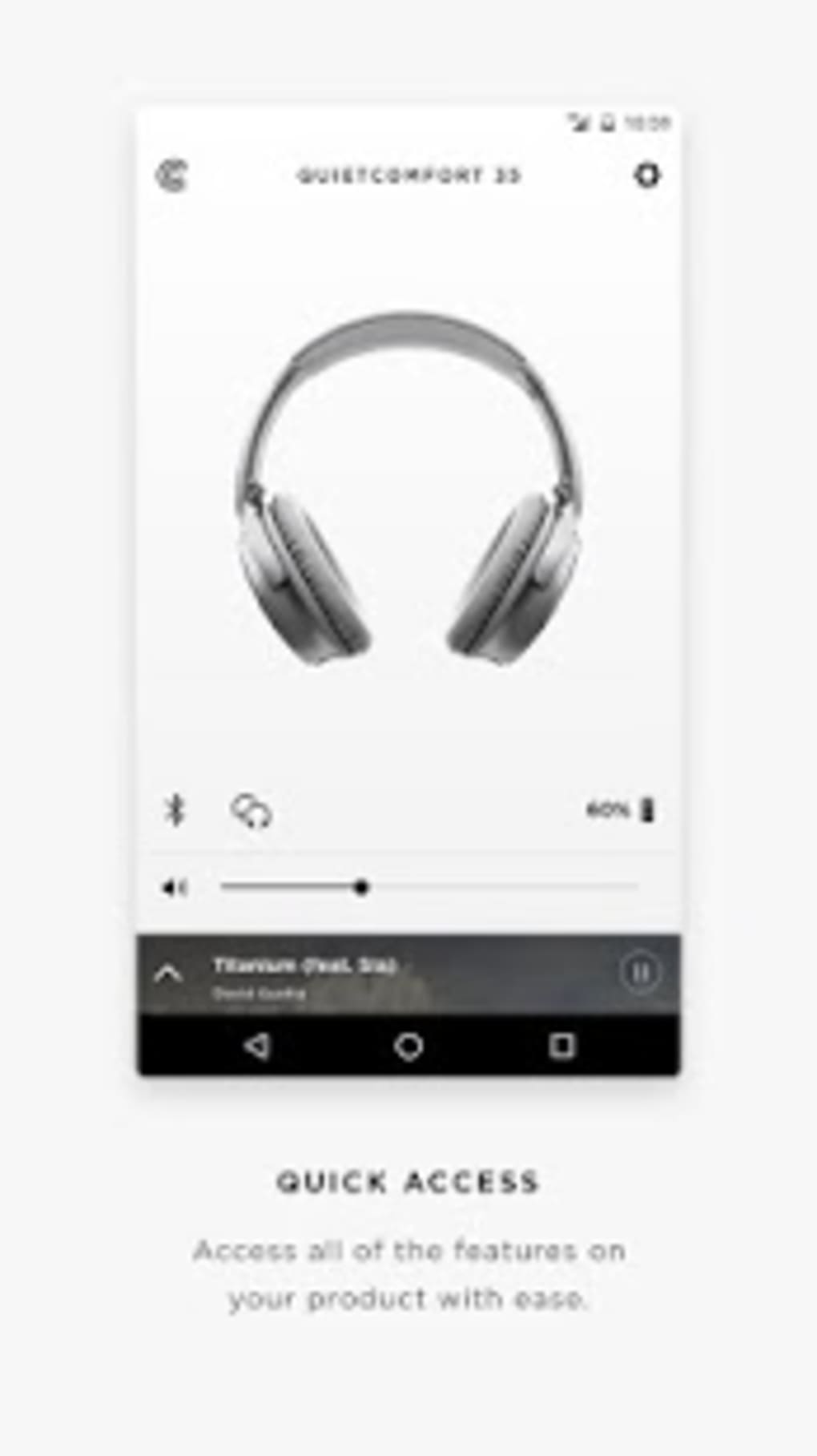
- Remote Playback Control – Enables users to play, pause, skip, and adjust volume directly from the app interface, even when the audio source is not active on the device.
- Firmware Update Management – Automatically checks for and delivers firmware updates to Bose devices, ensuring optimal performance and security.
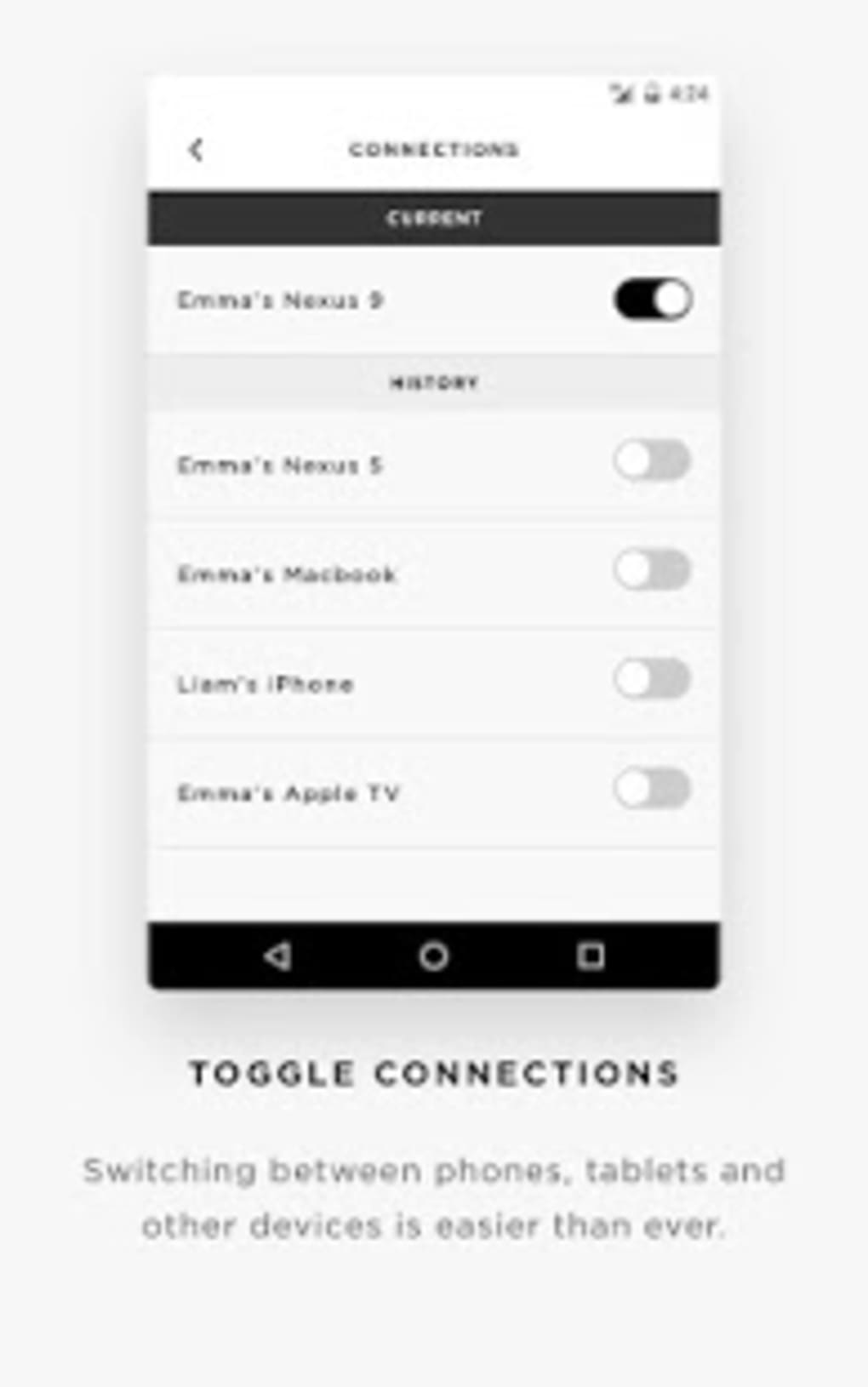
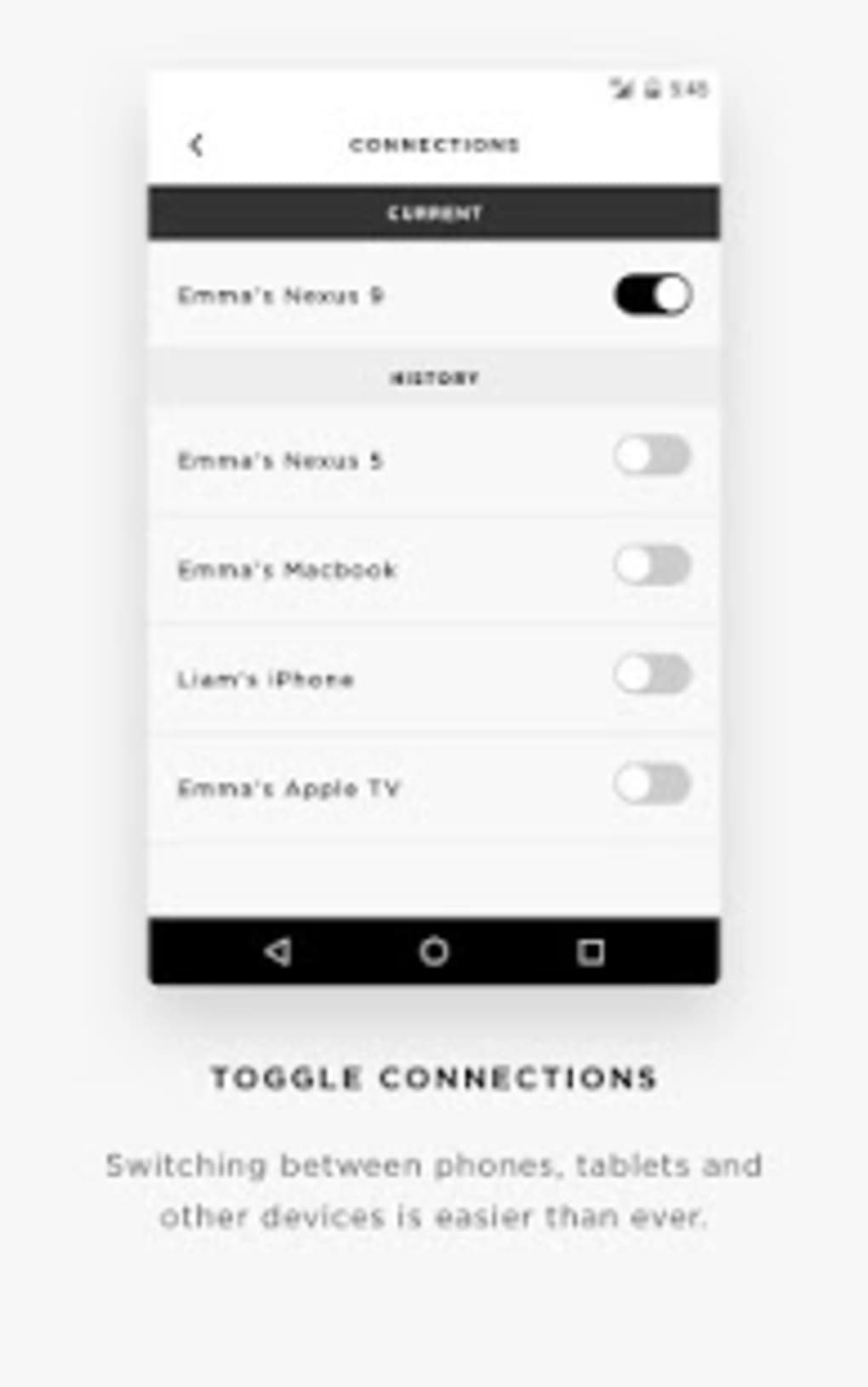
- Device Switching – Allows users to switch between multiple connected Bose devices without re-pairing, improving workflow continuity.
- Multi-Language Support – Available in English, Spanish, and German, enhancing accessibility for international users.
These features are particularly valuable in daily use scenarios such as commuting, remote work, or home entertainment. For instance, a user can quickly switch from a Bose QuietComfort headset to a SoundLink speaker when moving from a private workspace to a shared living area. The app also helps maintain stable connections during long listening sessions, minimizing dropouts and reconnection delays.
User Interface, Workflow & Performance
The user interface of Bose Connect is designed with simplicity and functionality in mind. The app features a clean, minimalist layout with intuitive navigation, allowing users to access core functions with minimal effort. Key controls such as playback, volume, and device selection are prominently displayed on the main screen, reducing the need for deep menu exploration.
Workflow efficiency is enhanced by the app’s ability to maintain persistent device connections and auto-reconnect when a device becomes available. This behavior reduces the friction typically associated with Bluetooth pairing, especially in environments with multiple wireless devices. The app integrates smoothly with the Android system, responding promptly to device events such as power-on, disconnection, and reconnection.
Performance observations are based on general software behavior patterns. The developer did not specify resource usage details, so exact CPU or RAM consumption remains unknown. However, the app is designed to operate efficiently in the background without significantly impacting system performance. Stability appears consistent, as the app has maintained functionality since its initial release in 2017.
Compatibility & System Requirements
Bose Connect is available for Android 4.3 and later versions, ensuring broad compatibility with older and mid-range Android devices. The app is not available on Google Play, which suggests it may be distributed through third-party platforms or direct downloads. This distribution method may impact update reliability and security verification for some users.
The installation size varies depending on the device type and configuration. The developer did not provide exact file size specifications, so users should expect variable download and storage requirements based on their hardware. Compatibility information was partially provided, with no mention of specific hardware requirements beyond the Android OS version.
Pros and Cons
Pros
- Seamless Bluetooth pairing with Bose devices
- Remote playback and volume control
- Firmware update support for enhanced device performance
- Multi-device switching without re-pairing
- Available in multiple languages for global accessibility
Cons
- Exclusive to Android; no desktop or iOS support
- Not available on Google Play, raising potential security concerns
- Installation size varies by device, with no clear size estimate
- Only one installation recorded since 2017, indicating low user adoption
- No official update notifications or changelog visibility
FAQ Section
Is Bose Connect available for iOS devices?
Bose Connect is currently only available for Android devices. There is no official version for iOS.
Can I download Bose Connect from Google Play?
No, the app is not available on Google Play. It must be obtained through alternative sources, which may affect update reliability and security.
Does Bose Connect require an internet connection?
The app requires an internet connection for firmware updates and device synchronization, but basic Bluetooth control functions can operate offline.
Is Bose Connect free to use?
Yes, Bose Connect is available as a free application with no in-app purchases or subscription fees.
How often are updates released for Bose Connect?
The last update was released on February 3, 2017. The developer has not released any updates since then, and no official update schedule is available.
Final Thoughts
Bose Connect remains a niche tool for Android users who own Bose audio products, offering essential Bluetooth management and device control features. While its core functionality is effective, the lack of recent updates and absence from Google Play raise concerns about long-term support and security. The app’s limited availability and minimal user adoption suggest it may not be actively maintained.
Despite these drawbacks, users with compatible Bose devices may still find value in the app’s ability to streamline audio device management. For those who prioritize seamless connectivity and remote control, Bose Connect provides a straightforward solution—though its outdated status warrants caution.
Download Bose Connect now to manage your Bose audio devices on Android.






.png)
